Embark on a culinary journey of efficiency and ease with this comprehensive guide on automating your slow cooker. Imagine effortlessly preparing delicious dinners with minimal effort, thanks to the power of automation. From selecting the perfect slow cooker to crafting automated recipes, this guide will equip you with the knowledge and strategies to transform your meal preparation routine.
This guide delves into the intricacies of slow cooker automation, examining various methods, from programmable timers to smart appliances. We will explore the benefits of automation, the key features to consider when choosing a slow cooker, and how to set up and maintain your automated system. Furthermore, we will provide a selection of automated recipes, troubleshooting tips, and advanced techniques to maximize your culinary experience.
Introduction to Slow Cooker Automation
Slow cooker automation streamlines the process of preparing delicious meals, freeing up valuable time and effort for other tasks. It allows users to set up their slow cooker meals in advance, ensuring a ready-to-eat dinner at a predetermined time, without constant supervision. This technology caters to busy lifestyles, offering a convenient and reliable way to enjoy healthy and flavorful meals.Automating slow cooker meals reduces the need for active monitoring during the cooking process.
This eliminates the concern of forgetting to turn the cooker off, ensuring consistent results every time. Furthermore, automated systems often feature customizable settings, allowing users to adjust cooking times and temperatures to their specific preferences and recipe needs.
Definition of Slow Cooker Automation
Slow cooker automation encompasses a range of technologies that enable users to schedule and control the cooking process of a slow cooker without constant human intervention. This includes programmable timers and smart appliances equipped with sophisticated cooking functionalities. These automated systems provide a degree of convenience and efficiency that traditional slow cooking methods often lack.
Benefits of Automated Slow Cooker Meals
Automation in slow cooking offers several key benefits. It frees up time by allowing users to schedule meals in advance, eliminating the need for constant monitoring and reducing the risk of forgetting to turn off the appliance. This efficiency is especially valuable for busy individuals or families, allowing them to prioritize other tasks and still enjoy healthy, well-prepared meals.
Consistent results are also a key benefit. Automated systems provide precise control over cooking times and temperatures, leading to more predictable and consistent outcomes.
Types of Slow Cooker Automation
Various technologies enable slow cooker automation. Programmable timers offer a basic level of automation, allowing users to set the start and end times for cooking. Smart appliances, on the other hand, go beyond basic timing, often incorporating sensors, connectivity, and advanced cooking functions. These features allow users to monitor the cooking process remotely, adjust settings as needed, and receive alerts.
Examples of Automated Slow Cooker Recipes
Automated slow cooking is compatible with a wide array of recipes. A simple example is a slow-cooked pulled pork, where the user can set the timer for a specific cooking duration and temperature, ensuring the pork is perfectly tender. Another example includes a hearty beef stew, allowing for precise control over the cooking time to achieve a rich and flavorful stew.
Comparison of Automation Methods
| Method | Pros | Cons |
|---|---|---|
| Programmable Timer | Relatively inexpensive, easy to use, simple setup. | Limited customization options, no remote monitoring, may not be suitable for complex recipes. |
| Smart Appliances | Enhanced customization, remote monitoring, often comes with additional features (e.g., recipe suggestions, alerts). | More expensive, requires internet connectivity, potential for technical issues. |
| Combination | Utilizes the strengths of both methods, offering flexibility and convenience. | Cost may be higher than a simple timer, requires more technical knowledge for setup and maintenance. |
Choosing the Right Slow Cooker
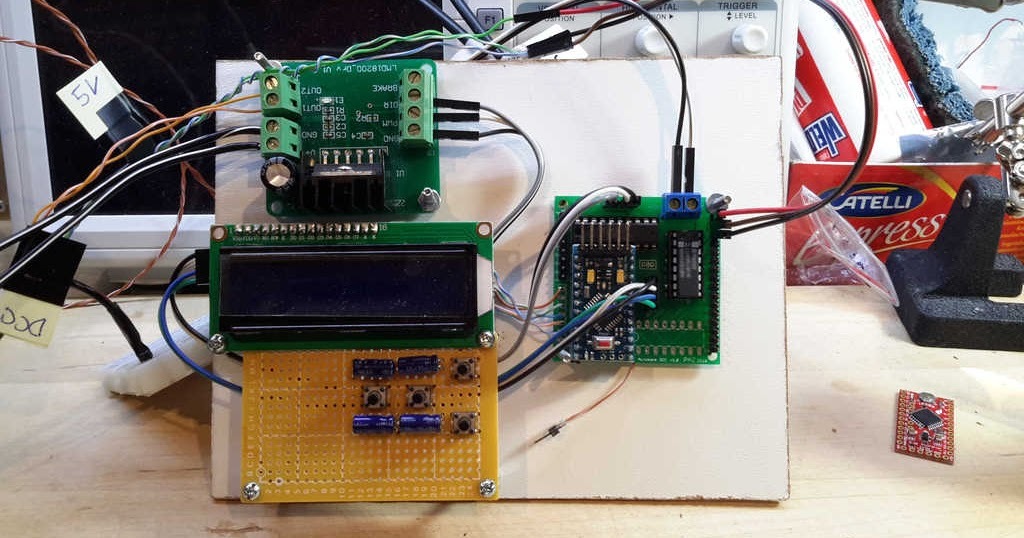
Selecting a suitable slow cooker is crucial for achieving reliable automation in your culinary routines. The right appliance will ensure consistent results, allowing you to effortlessly manage your automated dinner preparations. Careful consideration of features, size, material, and connectivity options will significantly impact your overall experience.
Features for Automation
A slow cooker designed for automation should ideally incorporate features that facilitate seamless integration into your automated system. This involves a programmable timer or digital interface, allowing precise scheduling of cooking times and temperature settings. Look for models with clear displays and intuitive controls, enabling easy management of the cooking process. Some models offer multiple cooking settings, catering to different types of recipes and desired outcomes.
The availability of reheating options is also beneficial, ensuring meals remain warm and palatable after the initial cooking cycle.
Size and Capacity Considerations
The capacity of a slow cooker is a key determinant in its suitability for automated dinner planning. A smaller capacity may suffice for individual portions or small families, while larger models are better for accommodating larger households or entertaining guests. Consider the typical number of servings you anticipate needing for automated meal preparation. A capacity mismatch between the cooker and the amount of food could lead to inconsistent cooking results and potential food waste.
Understanding your needs beforehand ensures efficient use of the appliance. For example, a family of four may benefit from a 6-quart slow cooker, while a single person or a couple might find a 3-quart model sufficient.
Materials and Suitability
The material of the slow cooker significantly impacts its longevity and performance. Durable materials like stainless steel are resistant to rust and scratches, maintaining their integrity over time. Non-reactive materials are essential for ensuring the flavors of your ingredients remain uncompromised during the cooking process. Some models utilize ceramic or enamel coatings, offering a visually appealing alternative and maintaining heat distribution effectively.
When choosing, consider the material’s resistance to staining and its suitability for automated use. A reliable slow cooker material will endure the repeated use and temperature fluctuations required for automated processes.
Importance of Quality for Automation
Investing in a high-quality slow cooker is essential for consistent and reliable automation. A well-built appliance will maintain consistent temperature settings, ensuring accurate cooking times. Budget-friendly options might not have the same level of precision, leading to variability in the final outcome. Reliable temperature regulation and consistent heating are crucial for achieving optimal results. For example, a lower-quality slow cooker may exhibit inconsistent heating patterns, potentially leading to undercooked or overcooked meals, making it less reliable for automated cooking.
Cooking Timer and Smart Connectivity
Selecting a slow cooker with a suitable cooking timer or smart connectivity is paramount for automated use. A programmable timer allows for pre-setting cooking times and temperatures, enabling automated scheduling of meals. Smart connectivity provides an additional layer of control, allowing for remote monitoring and adjustment of settings. These features offer convenience and precision, reducing the need for constant monitoring of the slow cooker.
Consider features like remote access for managing your slow cooker from your smartphone, enabling you to adjust settings or check on the progress of your meal while you are away from home.
Setting Up Your Automated Slow Cooker System
Setting up your automated slow cooker system involves several key steps, from choosing the right model to configuring its programmable features. This process allows you to precisely control the cooking time and temperature, ensuring perfectly cooked meals without constant monitoring. Proper setup is crucial for achieving optimal results and maximizing the benefits of automation.
Programmable Slow Cooker Setup
To establish a programmable slow cooker, carefully follow the manufacturer’s instructions. Begin by connecting the slow cooker to a reliable power source. Next, familiarize yourself with the controls, including the cooking time, temperature settings, and any specific functions unique to your model. Use the manual to understand the various cooking modes and their associated temperature ranges.
Smart Slow Cooker Connection and Use
Smart slow cookers require a different approach. These devices connect to your home network, often via Wi-Fi. The setup typically involves downloading a compatible app on your smartphone or tablet, which acts as a central control panel. This app enables you to remotely monitor the cooking process, adjust settings, and even start or stop the cooking cycle from anywhere.
The specific app interface will vary based on the manufacturer, but generally, it will allow for precise timing and temperature control.
Configuring Automation Settings
Automation settings on different slow cooker brands and models vary. To understand how to configure these settings, always refer to your device’s user manual. For instance, many models offer preset cooking programs (e.g., low, high, simmer). Others allow for custom programming, enabling you to specify the desired temperature and duration for a particular dish.
Slow Cooker Settings and Automation Implications
Understanding the various settings available on your slow cooker is vital for effective automation. Basic settings often include cooking time, temperature, and the cooking mode. Advanced features might include timers, reminders, and the ability to schedule cooking times. The implications of these settings are directly related to the outcome of your dish. For example, a longer cooking time at a lower temperature might produce a more tender and flavorful result.
Slow Cooker Brand Automation Features
The following table summarizes the automation features offered by different slow cooker brands. This table provides a quick reference for comparing various brands and their functionalities. Note that specific features might vary based on the model.
| Brand | Features |
|---|---|
| Brand A | Preset cooking programs, programmable cooking time and temperature, timer function, app-based control (optional). |
| Brand B | Customizable cooking schedules, Wi-Fi connectivity for remote control, temperature probes, various cooking modes (e.g., soup, stew, chili), app-based control. |
| Brand C | Simple timer function, adjustable temperature settings, preset cooking programs (e.g., roast, braise), user-friendly interface. |
Creating Automated Recipes
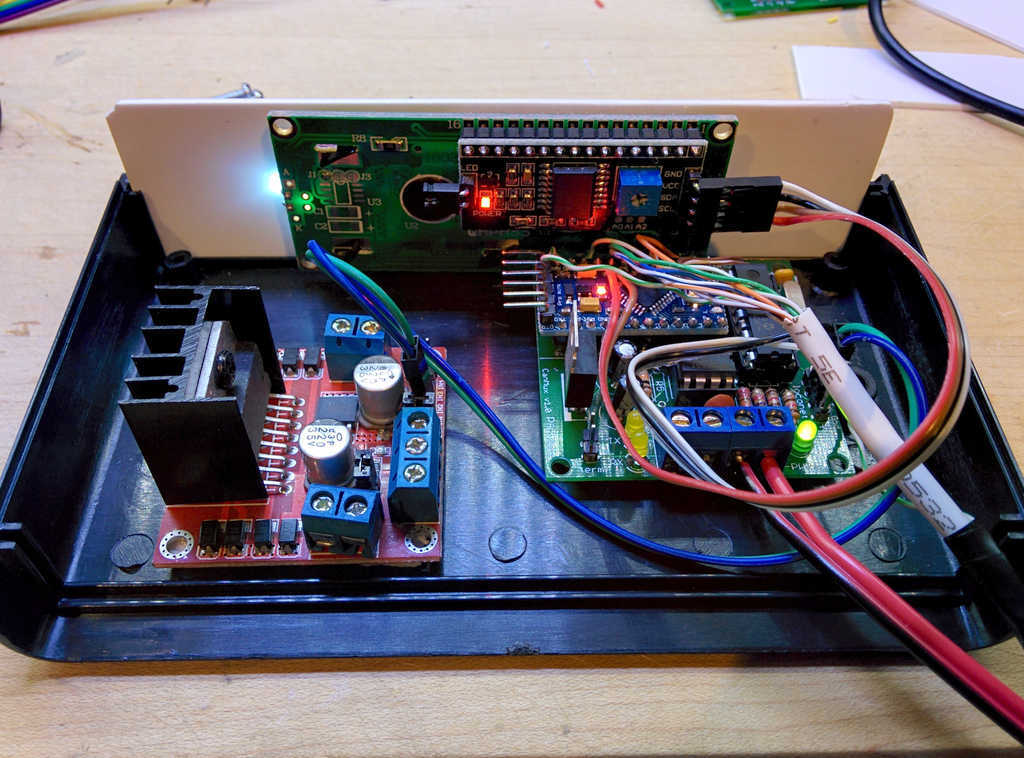
Crafting automated slow cooker recipes allows for effortless meal preparation, freeing up valuable time. This approach leverages the slow cooker’s capabilities for consistent results, minimizing the need for active supervision during the cooking process. These recipes are particularly well-suited for busy individuals or those looking to streamline their weekly meal planning.
Unique Automated Slow Cooker Recipes
These recipes showcase different automation techniques, enabling tailored meal preparation based on desired outcomes. They prioritize ingredient compatibility and timing adjustments for optimal slow cooker performance.
- One-Pot Moroccan Chicken and Apricots: This recipe exemplifies the efficiency of the “set it and forget it” approach. The marinade, incorporating ginger, garlic, and spices, infuses the chicken with flavour while the slow cooker tenderizes it. Apricots add a touch of sweetness, and the combination is further enhanced with a touch of orange zest. The automated system can handle the entire cooking process, from marinating to tenderizing, and the end result is a flavorful and wholesome meal.
- Beef Stew with Root Vegetables: This recipe showcases the use of a timer for consistent results. The slow cooker’s precise temperature control ensures the vegetables maintain their texture and the beef achieves a tender, fall-apart consistency. Using a programmable timer, you can set the slow cooker to start the cooking process hours before dinner, allowing for hands-free meal preparation while other tasks are being completed.
The recipe is easily customizable, allowing the user to add other root vegetables like carrots, parsnips, and sweet potatoes.
- Pulled Pork Sliders with BBQ Sauce: This recipe highlights the advantage of the slow cooker’s ability to maintain a consistent temperature. A slow cooker with an internal temperature probe can be set to maintain a specific temperature for optimal tenderness of the pork. By using a pre-made or custom-made BBQ sauce, you can maintain the desired consistency and flavour profile during the extended cooking process.
Automated recipes for pulled pork are ideal for large gatherings or when you need a substantial amount of pork for several servings.
Adjusting Recipes for Automation
To tailor slow cooker recipes for automation, you must understand the nuances of slow cooking. This process often involves altering ingredient ratios, cooking times, and even adding specific components that enhance the automated cooking process.
- Ingredient Adjustments: When automating, consider the moisture content of ingredients. Adding liquids like broth or wine can enhance the flavor and moisture levels in the slow cooker. Adjust the amount of liquids based on the type of meat or vegetables being cooked. Too little liquid can lead to a dry result, while too much can result in a soupy dish.
- Timing Considerations: For automated recipes, the optimal cooking time depends on the ingredients used. Factors such as the cut of meat, size of vegetables, and the desired tenderness level affect the total cooking time. It’s recommended to use a slow cooker with a timer to precisely control the cooking process and avoid overcooking or undercooking the food.
- Adding Ingredients for Automation: For some automated recipes, the process of adding ingredients during the cooking process is optimized by a pre-determined schedule. For instance, adding spices or other flavourings after a certain amount of time can enhance the overall flavour of the dish. This is particularly important for recipes that incorporate ingredients like herbs, spices, or sauces that need to be released gradually to maintain optimal flavour.
Incorporating Ingredients and Timing
Optimal ingredient incorporation and timing adjustments are crucial for successful automation. A well-structured plan ensures the ingredients cook evenly and achieve the desired texture.
- Ingredient Sequence: The order of adding ingredients affects the final dish. Generally, tougher cuts of meat are added first, allowing ample time for tenderization. More delicate vegetables or ingredients are added closer to the end of the cooking time.
- Time Adjustments: Cooking times can vary depending on the model of the slow cooker. Therefore, it is essential to refer to the specific instructions for your slow cooker. You may need to adjust the cooking times for optimal results. It’s crucial to test and adjust the cooking time to ensure the food is cooked thoroughly.
Customizing Recipes for Dietary Needs
Dietary needs often necessitate modifications to recipes. Understanding these requirements enables creating dishes that cater to specific needs.
- Vegetarian/Vegan Options: Many slow cooker recipes can be adapted for vegetarians or vegans by substituting meat with plant-based alternatives. Using lentils, beans, tofu, or seitan can provide a protein source while maintaining the core flavors of the original recipe.
- Gluten-Free Adaptations: For gluten-free recipes, ensure that all ingredients used are gluten-free. It’s important to check ingredient labels carefully to avoid cross-contamination.
- Low-Sodium Options: Reduce the amount of salt or use salt substitutes in recipes to create low-sodium versions. Fresh herbs and spices can enhance flavor without relying on added sodium.
Preparation Time Comparison
Automated slow cooker recipes often take less hands-on time than traditional slow cooker recipes. The pre-set functions and timers in automated systems allow for significant time savings.
| Recipe Type | Preparation Time (Automated) | Preparation Time (Traditional) |
|---|---|---|
| One-Pot Moroccan Chicken and Apricots | 15 minutes | 30 minutes |
| Beef Stew with Root Vegetables | 20 minutes | 45 minutes |
| Pulled Pork Sliders with BBQ Sauce | 10 minutes | 25 minutes |
Troubleshooting and Maintenance

Ensuring your automated slow cooker system operates smoothly and efficiently requires proactive troubleshooting and maintenance. Proper care not only prolongs the lifespan of your appliance but also guarantees consistent, delicious results from your automated recipes. Addressing potential issues promptly will minimize downtime and maximize the enjoyment of your automated cooking experience.
Common Slow Cooker Automation Issues
Automated slow cookers, like any sophisticated appliance, can encounter occasional problems. Understanding the common causes of these issues is crucial for effective troubleshooting. These issues may range from minor malfunctions to more significant operational problems.
- Inaccurate Temperature Control: Discrepancies between the set temperature and the actual temperature inside the slow cooker can lead to undercooked or overcooked dishes. This could stem from faulty temperature sensors or a malfunctioning heating element. Calibration of the temperature control system might be necessary.
- Timing Discrepancies: Automated systems may struggle with accurate timing, leading to delayed or premature completion of cooking cycles. This could result from software glitches, sensor errors, or issues with the power supply. A thorough review of the automated system’s programming and connections is crucial.
- Connectivity Problems: If the slow cooker is connected to a smart home system, connectivity issues can prevent the automation system from receiving instructions or reporting status. Ensure a stable Wi-Fi or Bluetooth connection, or investigate potential network interference.
- Slow Cooker Malfunctions: Mechanical issues within the slow cooker itself, such as a failing motor or component failure, can interfere with the automated functions. A qualified technician should diagnose and address these issues.
Troubleshooting Solutions
Effective troubleshooting involves systematically identifying and addressing the root cause of automation problems. The solutions should be tailored to the specific issue at hand.
- Inaccurate Temperature Control: First, check the calibration of the temperature sensor. If the sensor is faulty, consider replacing it. Ensure the slow cooker is placed on a stable surface to prevent uneven heating.
- Timing Discrepancies: Verify the automated software for any updates or errors. Restart the device or system to resolve potential software glitches. Examine the power supply connections for stability.
- Connectivity Problems: Check the Wi-Fi or Bluetooth signal strength and ensure there are no obstacles. Restart the slow cooker and the connected device. Verify the connection settings for accuracy.
- Slow Cooker Malfunctions: Consult the manufacturer’s manual or contact a qualified technician for guidance. Never attempt to repair a slow cooker yourself if you are not comfortable with electrical components.
Maintaining Your Slow Cooker
Regular maintenance is essential for optimal performance and longevity of automated features.
- Cleaning: Regular cleaning prevents food buildup, which can interfere with temperature control and potentially damage internal components. Always unplug the slow cooker before cleaning. Use a mild dish soap and warm water.
- Inspection: Periodically inspect the slow cooker for any signs of wear and tear, such as damaged cords, loose connections, or malfunctioning parts. Prompt attention to these issues can prevent larger problems.
- Storage: When not in use, store the slow cooker in a clean, dry place. Protecting it from dust and moisture will help maintain its functionality.
Importance of Cleaning and Maintenance
Cleaning and maintaining your slow cooker directly impacts its efficiency and longevity, especially with automated features. Neglecting these tasks can lead to reduced performance and potential component failure, resulting in decreased functionality and costly repairs. Proper care is crucial for ensuring the slow cooker remains reliable over time.
Implications of Poor Maintenance
Poor maintenance can significantly impact the longevity of automated features within a slow cooker. This may include inaccurate temperature control, delayed or interrupted cooking cycles, and ultimately, premature failure of critical components. Regular maintenance is a key factor in maximizing the return on investment for an automated slow cooker.
Advanced Automation Techniques
Mastering slow cooker automation extends beyond basic settings. Advanced techniques empower users to integrate their slow cooker seamlessly into a comprehensive smart kitchen ecosystem, optimizing meal preparation for diverse needs and preferences. This involves leveraging meal prepping, sophisticated scheduling, and smart appliance integration for streamlined workflows.Implementing advanced automation features streamlines meal preparation, minimizes time spent on mundane tasks, and enhances overall kitchen efficiency.
This is achieved by utilizing pre-programmed recipes, customized schedules, and seamless integration with other smart kitchen appliances. By understanding how to optimize your system for various meal types, users can ensure their slow cooker effectively caters to their culinary needs.
Meal Prepping and Scheduling
Meal prepping and scheduling are pivotal components of advanced slow cooker automation. By pre-planning and automating meal preparation, users can significantly reduce time spent in the kitchen. This approach ensures consistent availability of nutritious and delicious meals throughout the week, and it minimizes food waste.
- Automated Recipe Creation: Advanced systems allow for automated recipe creation, taking into account ingredients, cook times, and desired temperatures. This is a valuable tool for those with diverse dietary needs, or for creating unique meal combinations.
- Automated Meal Scheduling: The system can be programmed to automatically start and stop the slow cooker at specified times, ensuring meals are ready when needed. This includes incorporating daily, weekly, or even monthly schedules.
- Meal Prepping Optimization: Users can plan and schedule meals for multiple days in advance, allowing them to prepare multiple portions of a single dish and store them for future use. This minimizes the stress of daily meal preparation, especially during busy weeks. For example, a user could pre-plan and schedule slow cooker meals for the entire week, ensuring a readily available and healthy meal solution for every day.
Integrating with Other Smart Kitchen Appliances
Seamless integration with other smart kitchen appliances significantly enhances the automation process. By connecting slow cooker automation to smart refrigerators, ovens, or even smart grocery delivery services, users can optimize their entire culinary workflow.
- Inventory Management: Smart refrigerators can automatically track inventory levels, triggering orders for necessary ingredients when supplies are low. This ensures the slow cooker has the ingredients it needs for automated recipes.
- Recipe Synchronization: Automated recipe creation can be synced with smart ovens or other cooking appliances, allowing for seamless transitions between cooking stages.
- Smart Grocery Delivery: Integration with smart grocery delivery services can automate the process of purchasing and receiving necessary ingredients, reducing the need for manual shopping trips.
Optimizing for Different Meal Types
Optimizing slow cooker automation for different meal types is crucial for effective utilization. Adjustments in cooking time, temperature, and recipe parameters can ensure optimal results for various dishes.
| Meal Type | Optimization Strategies |
|---|---|
| Stews and Soups | Adjust cooking times and temperatures based on the type of meat and vegetables used. Consider using a pressure cooker function for faster results if needed. |
| Roast Chicken | Use a probe thermometer to ensure the chicken reaches the desired internal temperature. Adjust cooking time based on the size of the chicken. |
| Pork Shoulder | Use a slow cooker with a programmable temperature setting to ensure the pork reaches the correct internal temperature for optimal tenderness. |
User Experience and Ease of Use
User experience is paramount in advanced automation. Intuitive interfaces and clear instructions are essential for seamless operation.
“A user-friendly interface and intuitive controls make the process of using the automated slow cooker system effortless.”
This ease of use will encourage users to explore advanced features and maximize their slow cooker’s capabilities.
Leveraging Smart Technology
Leveraging smart technology allows for efficient and personalized meal preparation. Users can automate their slow cooker to fit their individual preferences and routines.
Tips for Success with Automated Slow Cooker Meals
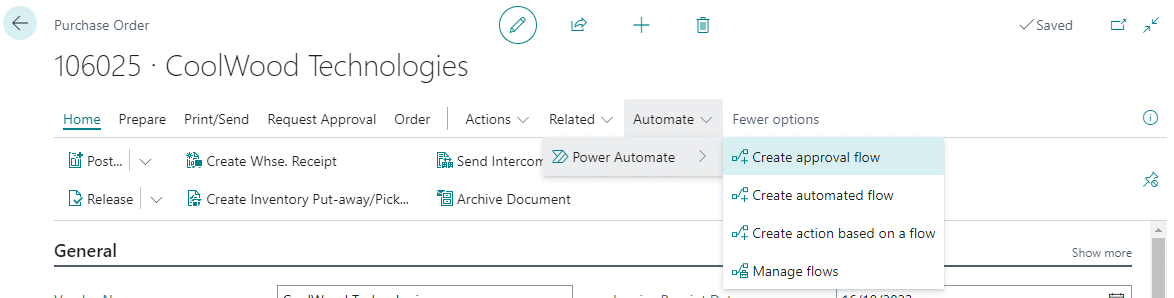
Automating your slow cooker can significantly streamline your weeknight dinners, freeing up valuable time and effort. This section provides crucial strategies for maximizing the benefits of your automated system, from meal planning to reheating leftovers. These tips ensure your automated slow cooker meals are delicious, efficient, and easy to manage.
Planning Meals Around Automated Schedules
Efficient meal planning is key to leveraging the power of automated slow cookers. A well-structured schedule ensures that meals are prepared and ready when you need them. Consider your family’s dietary preferences and any existing meal commitments when creating your weekly meal plan. Planning around your slow cooker’s capacity and the available time slots for cooking is also important.
Maximizing Efficiency of Automated Slow Cooker Use
To maximize the efficiency of your automated slow cooker system, consider batch cooking strategies. Prepare larger portions of meals on the weekend and store them for use throughout the week. This method reduces the daily time commitment needed for meal preparation. This approach also reduces food waste by using up prepared ingredients.
Best Practices for Storing and Reheating Automated Slow Cooker Meals
Proper storage and reheating methods are crucial for maintaining the quality and safety of your automated slow cooker meals. Store leftovers in airtight containers in the refrigerator within two hours of cooking. For longer-term storage, consider freezing portions in individual containers. When reheating, ensure the food is heated to an internal temperature of 165°F (74°C) to eliminate any potential food safety risks.
Avoid reheating multiple times, as this can reduce the quality of the meal.
Organizing Automated Meals
Proper organization of your automated meals can significantly simplify your daily routines. This structured approach ensures you can quickly access and prepare your meals efficiently.
| Meal Type | Storage | Reheating |
|---|---|---|
| Soups and Stews | Store in airtight containers in the refrigerator for up to 4 days. Freeze for longer storage. | Reheat in the microwave or on the stovetop, ensuring the food reaches a safe internal temperature. |
| Chili and Pulled Pork | Store in airtight containers in the refrigerator for up to 4 days. Freeze for longer storage. | Reheat in the microwave or on the stovetop, ensuring the food reaches a safe internal temperature. For pulled pork, consider shredding it again before reheating. |
| Casseroles | Store in airtight containers in the refrigerator for up to 4 days. Freeze for longer storage. | Reheat in the oven or microwave, ensuring the food reaches a safe internal temperature. |
| Braised Meats | Store in airtight containers in the refrigerator for up to 4 days. Freeze for longer storage. | Reheat gently in the oven or on the stovetop. |
Closing Notes
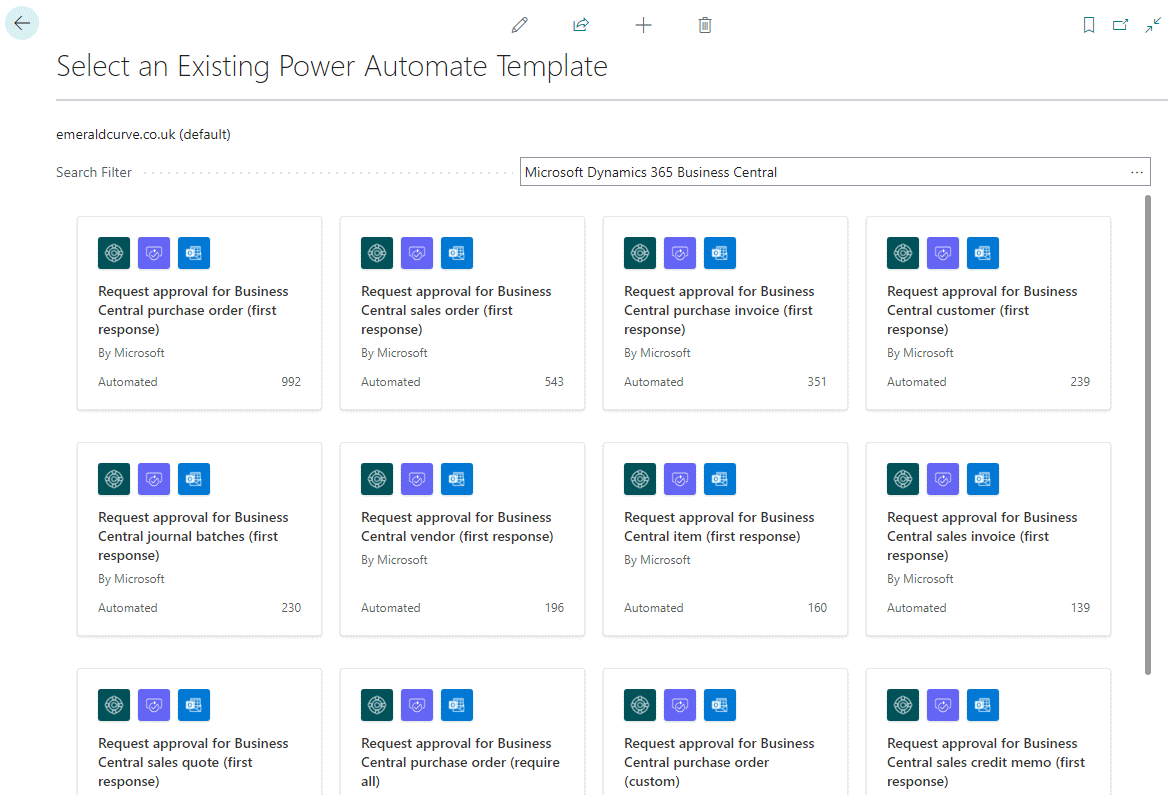
In conclusion, automating your slow cooker for dinners opens a world of possibilities for simplified meal preparation. This guide has provided a detailed overview of the process, from choosing the right equipment to creating and maintaining your automated system. With the tips and techniques presented, you’ll be well-equipped to enjoy effortless, delicious, and personalized meals, freeing up your time and energy for other pursuits.